 Dendrila Retro
Dendrila
Retro
Create and customize a website in the style of the 1990s and 2000s web. Dendrila Retro runs on your own hosting, without a database or JavaScript on published theme pages.
Download ZIP 69 KBTrial version · PHP 8.4 or newer · HTTPS
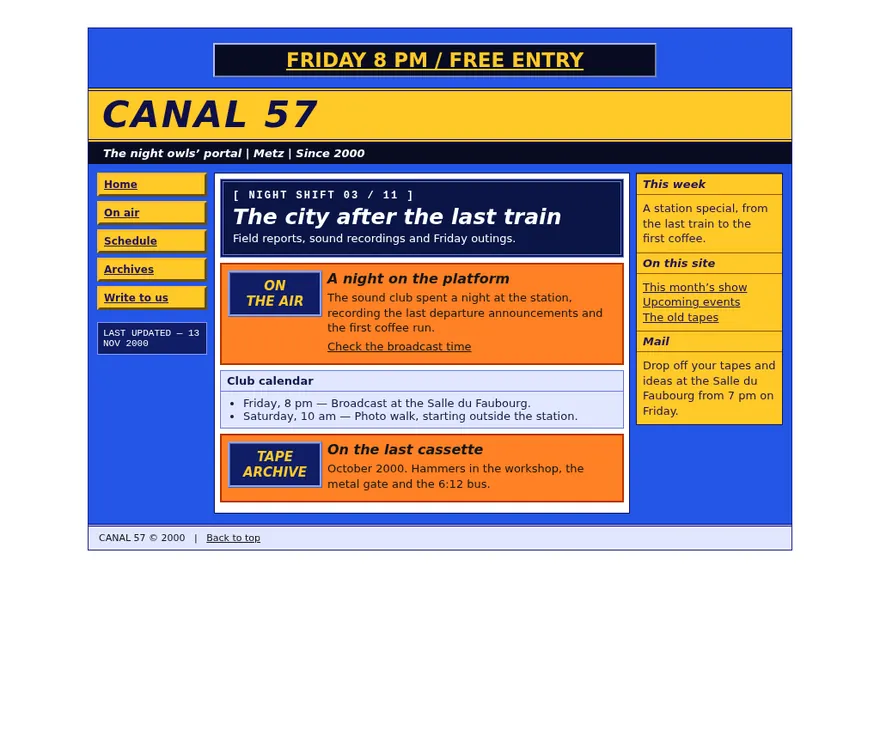
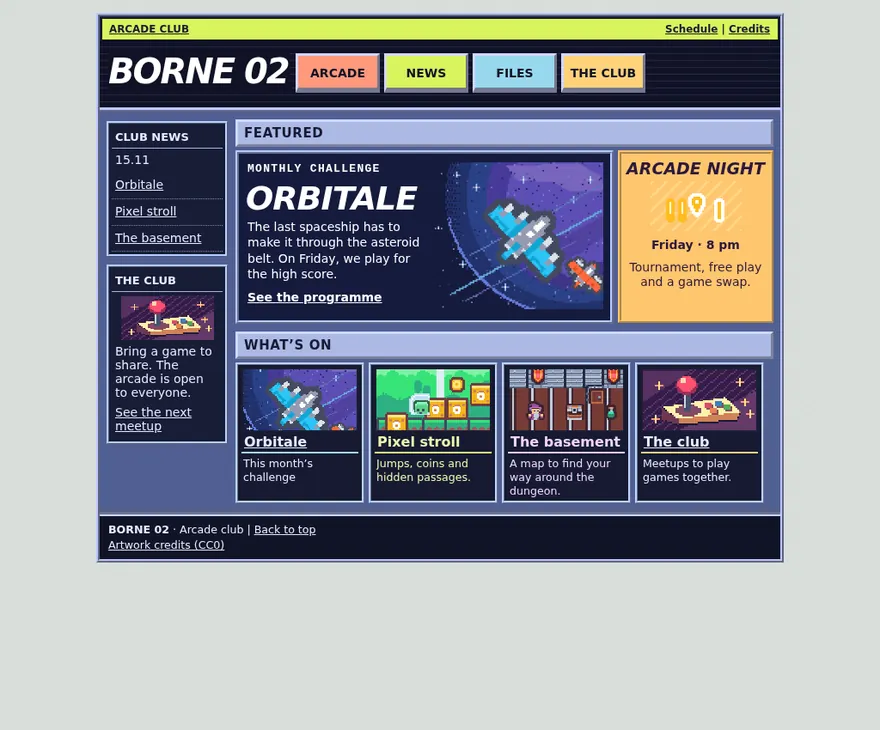
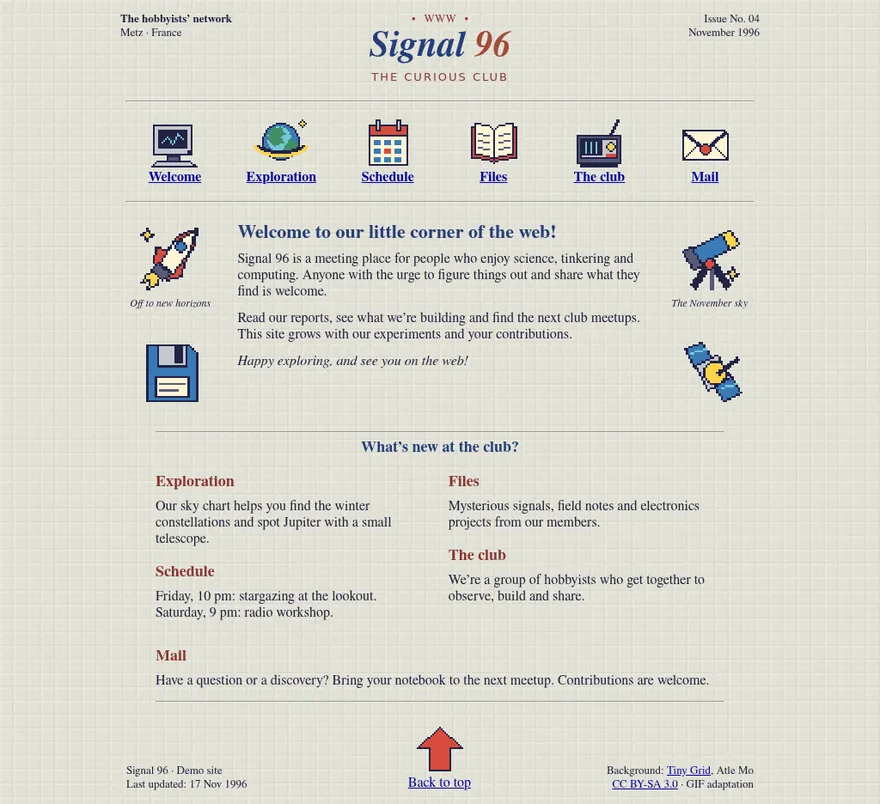
WordPress themes in testing
WordPress versions of Canal 57, Borne 02 and Signal 96 are in development under GPLv2 or later. Publication in the official WordPress theme directory is subject to review and approval. They are not yet available there. Try Canal 57 on the WordPress test site.
Install Dendrila Retro
Upload the ZIP
Before extracting it, temporarily protect the URL through your hosting provider or be ready to complete installation immediately. While the site is public and uninitialized, the first person to complete the form becomes its administrator.
Extract the ZIP in the domain's public directory. This creates a
dendrila-retrofolder. Remove the archive from the public directory afterwards.Open the installer
Go to
https://your-domain.example/dendrila-retro/using your real domain. Choose Français or English, then enter the site name and an optional subtitle. Choose a theme by exploring its interactive preview.Create your administrator account
Choose your username, enter and confirm your password, then click the install button. The administration area opens automatically. Its address ends in
/oldweb-editor.php.
Customize your site
Choose one of the three themes in the administration area. Select the original background, a solid color or an image tiled horizontally and vertically. Change the colors, borders and font of each block, add GIF, PNG or JPEG illustrations, then preview the draft before publishing.
Create your own theme
The themes have a fixed width and work without JavaScript. Canal 57 and Borne 02 use HTML 4.01 and CSS 2; Signal 96 follows 1996 HTML and CSS practices. The guide explains how to add a theme to the registry and make it available in the administration area.
Read the theme creation guideFrequently asked questions
Does the ZIP work on GitHub Pages or in WordPress?
Dendrila Retro is a standalone PHP application. Install it in your hosting account's web directory. Static-only hosting cannot run the ZIP. The three WordPress themes are tested separately. On managed WordPress hosting, check that your plan also allows a separate PHP application.
Do I need to create an installation key?
The standard setup uses a username and password. A personal kit or a server setting can require an installation key before publishing. Existing protected kits keep their key. See protected installation.
What if the installer cannot find the private directory?
See the guide for your hosting provider. The troubleshooting guide explains what to ask your hosting provider.
Support the project
A voluntary contribution helps fund development time.